
 Free
FreePlugins and Softwares
🎁 TODAY’S FREE TOOL — Matte Tool 2
Top pick
A powerful After Effects toolkit that puts 20 useful layer & matte tools in one place.
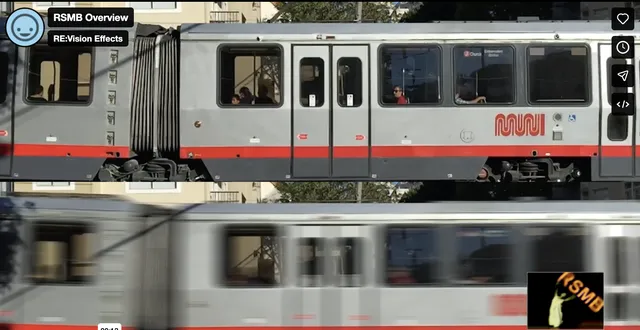
A plugin for automatically adding realistic motion blur, which smooths out sharp frames and gives your video a smooth cinematic effect.
Payments, access checks and file delivery take place in the Yehulu Mini App and bot.
Install or open Telegram, then use the button above. If prompted, start the Yehulu bot before requesting files. Delivery follows verified access and file availability.
Open the Yehulu botApplies natural-looking motion blur by automatically tracking every pixel.
Use Get Free Resource on Telegram to open this exact resource in the Yehulu Mini App. Access verification and file delivery happen through Telegram.
The current catalog marks this resource as FREE.
FreeA powerful After Effects toolkit that puts 20 useful layer & matte tools in one place.
 Free
FreeFeatures: No plugins required Fully editable colors and shapes Easy to customize via controllers 4K Resolution Fast render
 Free
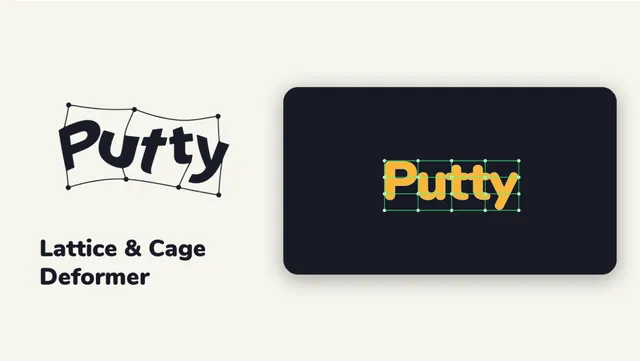
FreeBend any layer or clip with a lattice or cage that fits your artwork, in After Effects and Premiere Pro. Drag a point and the shape bends smoothly. Keyframe it, move groups of points with clusters, or switch to Cage.
 Free
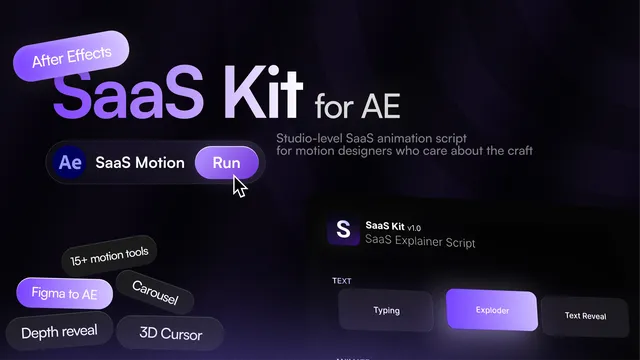
FreeEvery technique that makes a SaaS demo look expensive in one After Effects panel. For more check this site https://solairmotion.gumroad.com/l/SaaSKit